Description
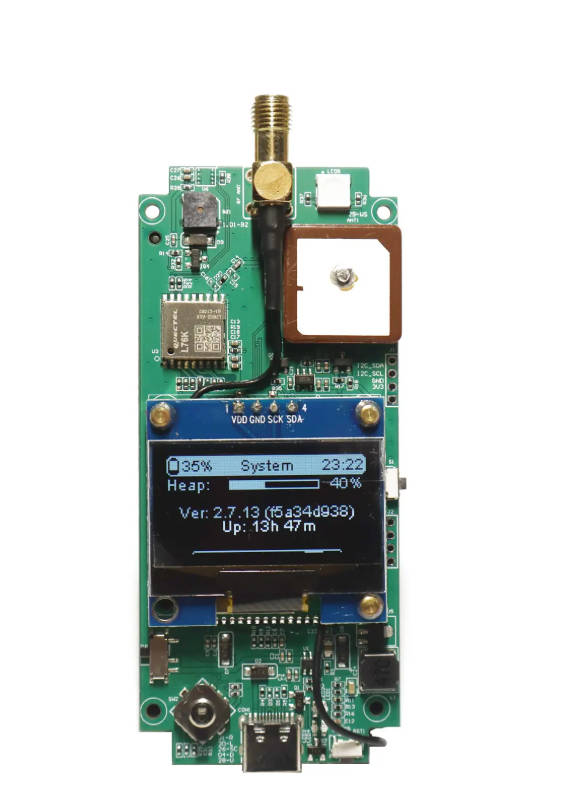
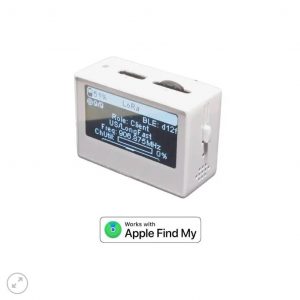
The GAT562 Mesh Tracker is an advanced off-grid communication device featuring:
Core Technology
- nRF52840 chipset for Bluetooth 5.0 connectivity
- SX1262 LoRa radio for long-range communication
- 1.3″ TFT display for clear information viewing
- 5020 PWM Buzzer for customized message ringtone
- RGB LED for changeable message indicator
- 2×18650 Battery Shell for replaceable battery
Specifications
- Processor: nRF52840 (Bluetooth 5.0)
- Radio: SX1262 (LoRa)
- Power: 2500mAh Li-ion battery
- Display: 1.3-inch TFT
- Range: 107+ km (terrain dependent)
How to flash firmware
Download Meshtastic Firmware
- Visit https://github.com/mtoolstec/mt-firmware and download the latest released zip
- Unzip the unified zip and find firmware-gat562_mesh_tracker_pro-xxxxxxx.uf2
Flash MeshCore Firmware
- visit https://ssaprus.works/ and follow the web instruction to install WhisperOS via USB
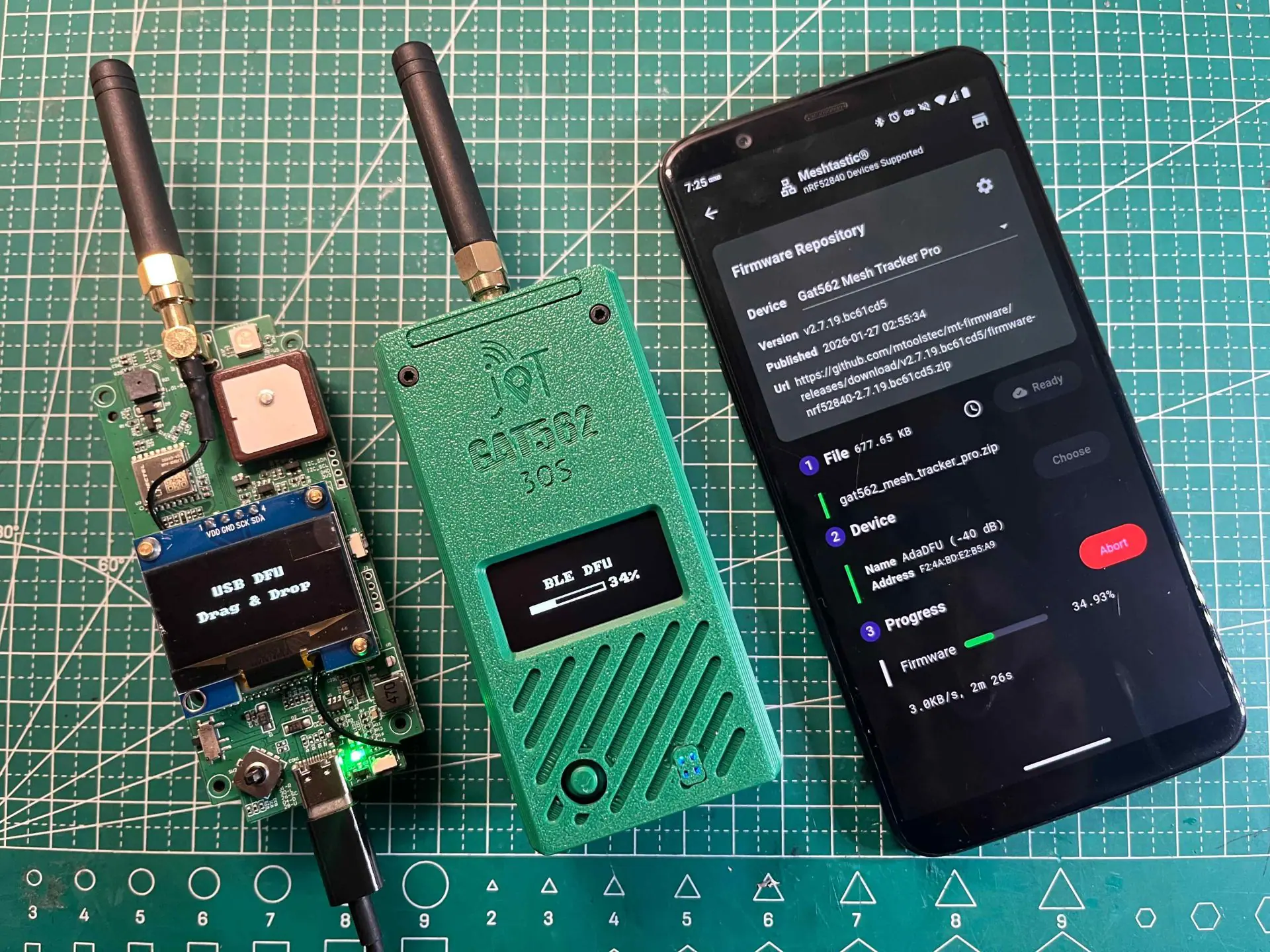
Drag & Drop UF2
- Connect to USB
- Power on with side button pressed
- Drag and drop uf2 firmware to device
Bluetooth OTA
- Power on with Joystick pressed
- Use MTools BLE or nRF52 DFU App to connect device
- One-click to download and start DFU
FAQ on GAT562 30s
Q: Can run Meshtastic or MeshCore at the same time?
A: Nope. The device can only run one kind of Firmware at same time.
Q: Can I switch between Meshtastic or MeshCore Powered firmware with Bluetooth
A: Yes, it’s easy to do it with MTools BLE App and GAT562 30s with Advanced Bootloader.
Q: Why does it 30s Kit keep rebooting when connected to PC via USB?
A: PC provides a very low current on 5V output via USB. The power is not enough to sent 1W signal. Just install 18650 battery or connect to a powerful and stable 5V power will be steady.
Use Cases
- Outdoor adventures
- Emergency communication
- IoT development
- Remote area connectivity
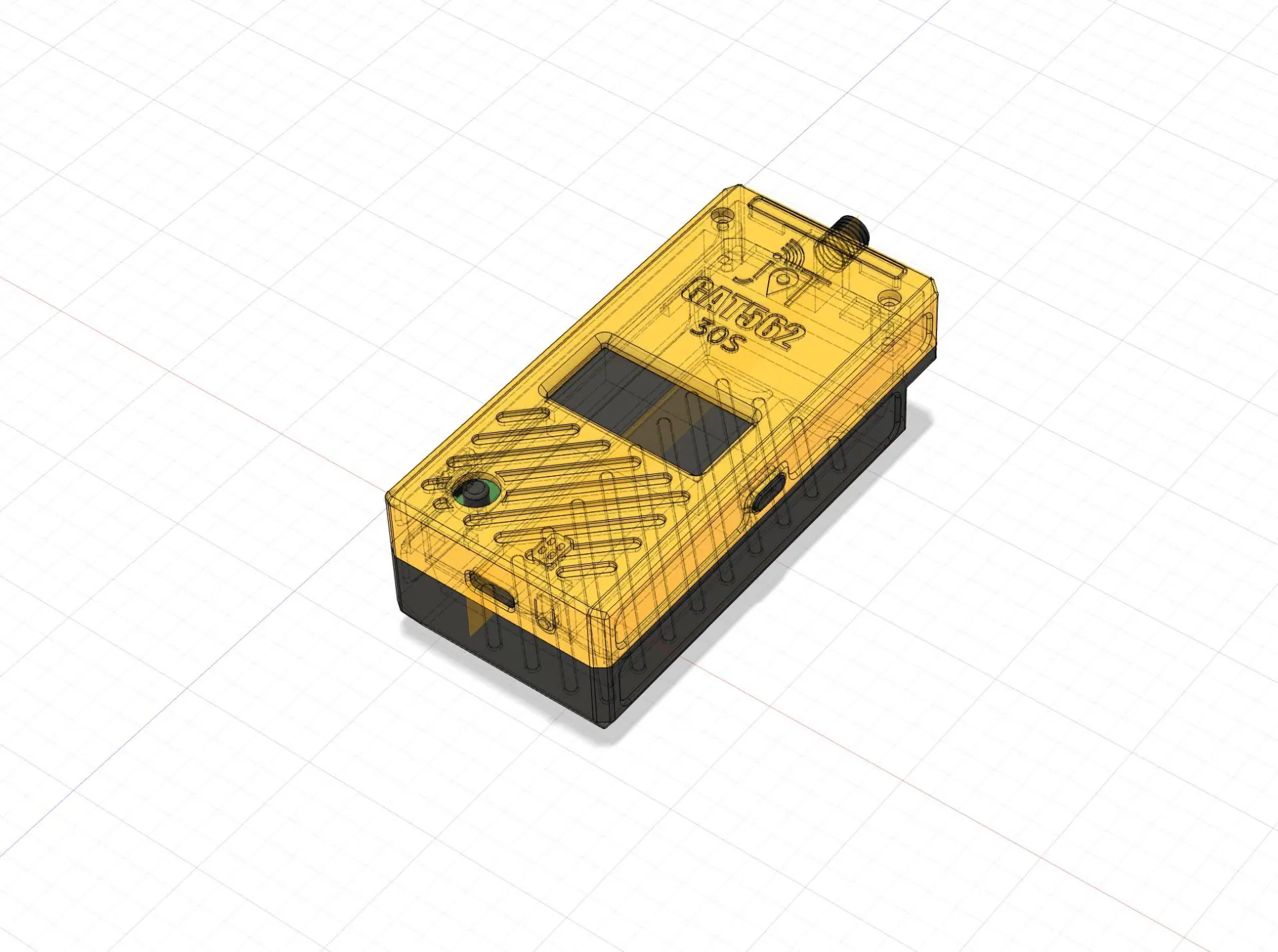
3D Printing Housing
https://makerworld.com/en/models/1971757-gat562-30s-housing#profileId-2120099
Related Guide: GAT562 30s TX Power Settings & Actual Output Power at 869 MHz — Complete Reference
🔧 Browser-Based Firmware Flasher
Flash the latest firmware to your GAT562 30s device directly in Chrome/Edge — no software install required.
🚀 Open Web Flasher
- Supports nRF52840-based devices (GAT562 30s series)
- Works in Chrome / Edge desktop (Web Serial API required)
- One-click flash — no drivers, no CLI tools needed

Reviews
There are no reviews yet.